TikTok slideshow maker for brands
Quick answer
Amplify makes TikTok photo mode slideshows and wall-of-text posts for your brand, with captions written for you. Add up to five reference images so your exact product shows up in the pictures. The same slideshows work as Instagram carousels, and they appear in your daily feed.
What is a TikTok slideshow?
A TikTok slideshow, also called photo mode, is a swipeable set of images with a caption, posted instead of a video. It is the easiest format to make well, since you do not need footage, a voice or editing skills. For a brand, it is a low-effort way to show up in the For You feed every day.
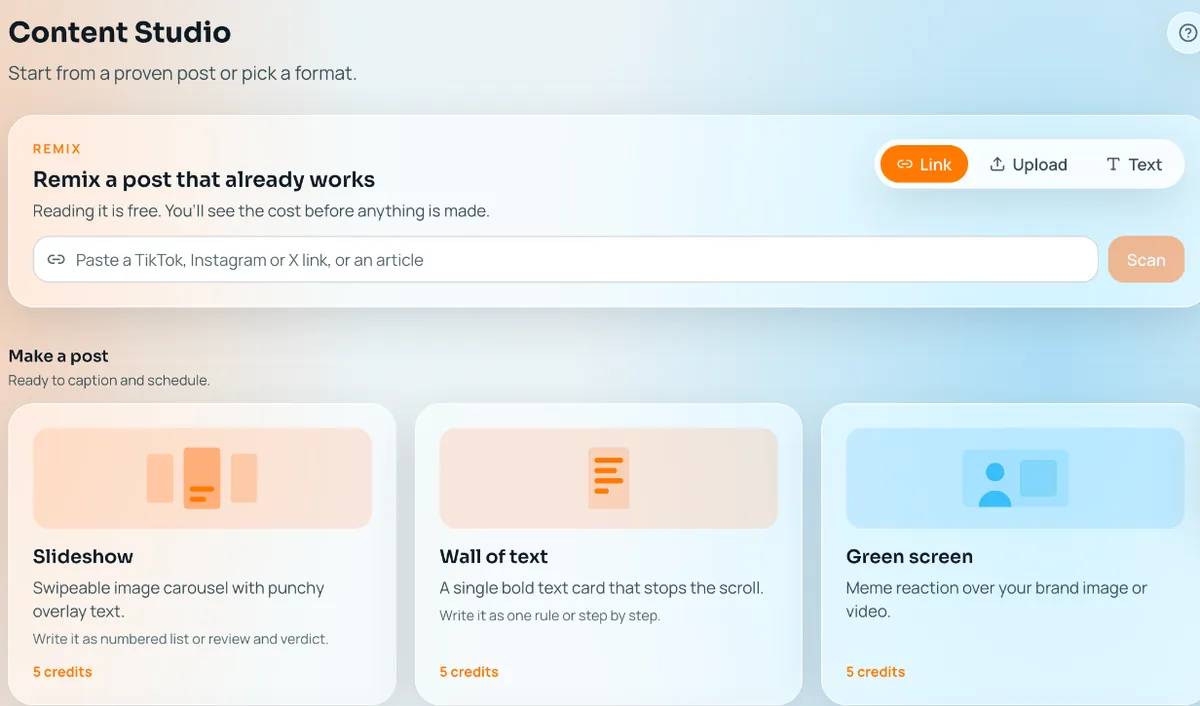
Amplify makes two picture formats: the multi-image slideshow, and the wall of text, which puts bold text over one authentic photo.
How does Amplify make a slideshow?
It starts from your brand profile, so the slides sound like you and not like a template.
- Amplify reads your site and builds a profile of your product, audience and tone.
- It writes the slideshow and captions, and generates the images to match.
- You add reference images if you want exact products, settings or outfits.
- You review it, edit any slide, and keep it or skip it.
How do reference images keep your product accurate?
You can attach up to five reference images to a prompt, such as your exact product, a setting or an outfit. In your prompt you point to them as image 1, image 2 and so on. That tells Amplify which picture is the product and which is the background, so you get your real item rather than a lookalike.
This matters most for physical products, where a wrong shade or shape sends people away. If your creator appears in the post, the face stays the same too. See AI influencer.
Already have a good photo? Open any image from your media as an editable post. Amplify also makes photos for your slides: copy a look you found with your creator in it, shoot your product in a styled template, or describe a new scene and have it shot.
Slideshow vs wall of text vs video
Each format has a job. Here is what each is good for.
| Slideshow | Wall of text | Video | |
|---|---|---|---|
| What it is | Several images with captions, swiped through | Bold text over one authentic photo | One vertical clip with generated sound |
| Good for | Lists, steps, outfits, before and after, product tours | A single strong line, a take or a confession | Hooks, demos, a face and a voice |
| Effort to make | Low | Lowest | Higher, and uses credits in the studio |
| Shows your product | Yes, with reference images | Through the photo you choose | Yes, including your real demo |
| Shows a face | If your creator appears | Optional | Talking head with a voice |
| Also posts as | Instagram carousel | Instagram image post | Instagram video |
Most brands mix all three. Pictures carry the daily volume, and video carries the moments where a voice or a demo does the work. Learn about those in AI UGC videos.
Do the slideshows work on Instagram?
Yes. A slideshow is also an Instagram carousel, so the same post can go to both platforms. Amplify supports TikTok and Instagram only.
Slideshows are part of your daily feed too. The morning feed mixes formats, so you can keep a slideshow, swipe past it, or edit it first. See daily content and auto posting, and copy any post to rebuild a slideshow format that is working in your niche.
Worth knowing
Slideshows in the daily feed are free on paid plans. Extra slideshows you make in the studio use credits, and so does re-rolling a variation. Check every slide before you keep it, especially text on images and anything with product details.
Amplify is in beta and posts organically, not as paid ads.
Pricing
The free plan never expires and includes your first 30 posts. Starter is $29/mo with 450 credits, Growth is $49/mo with 850 credits, Pro is $149/mo with 3,000 credits and a warmed account we post on, and Max starts at $225/mo. One credit is about 5 to 6 cents. See the plans.
Frequently asked questions
Do I need photos of my product?
They help. Add up to five reference images so your exact product, setting or outfit appears in the slides.
Can I edit a slideshow after it is made?
Yes. Swap images, change text, add slides, or add a prompt and regenerate.
Does Amplify write the captions?
Yes. Captions are written from your brand profile along with the slides.
Is a wall of text a slideshow?
No. It is a single photo with bold text on it. It's a separate format that is quicker to make.
Can I upload my own images?
Yes. The custom format lets you upload your own image or video.
Turn your link into slideshows for your product.
Start freeFree plan, forever. Your first 30 posts, made for your brand.